

Phone Numbers
Choose which agents make calls from your workspace’s phone numbers.
Your workspace phone numbers
Every call your agents make goes out from a phone number attached to your workspace. On the Phone Numbers page you can see those numbers and choose which agents use each one for outbound and batch calls.
See your numbers
Check every number attached to your workspace and its label.
Assign agents
Pick the agents that will call from each number.
Remove agents
Take an agent off a number in one click.
Assigning agents
Select Numbers in the left menu to open the Phone Numbers page.
Step 1: View your numbers
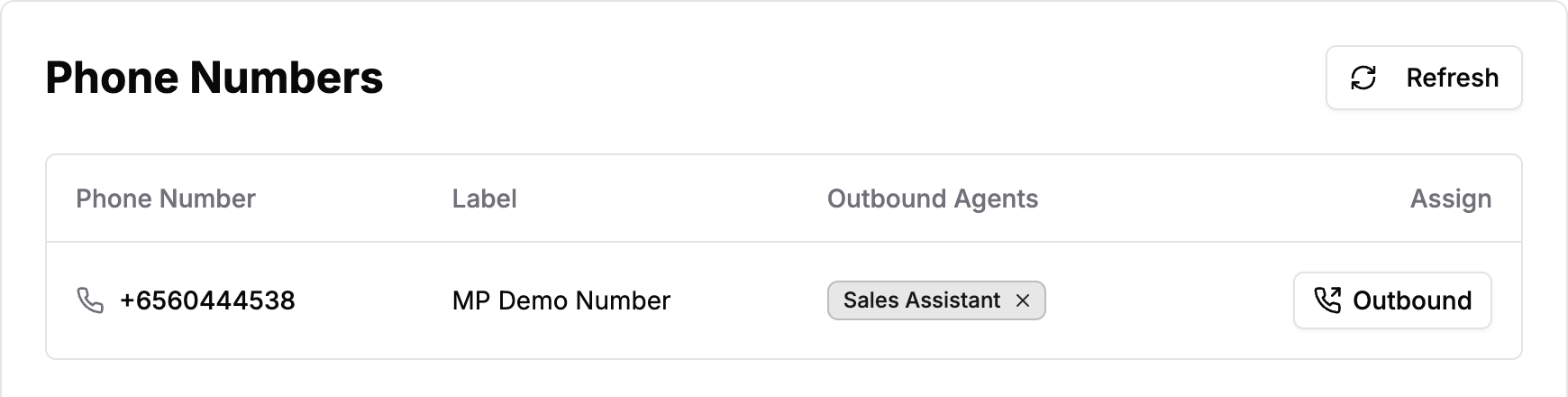
The table lists each phone number attached to your workspace:
- Phone Number: the number your leads will see when your agents call.
- Label: a name to help you tell your numbers apart.
- Outbound Agents: the agents currently calling from this number.
- Assign: the Outbound button for adding an agent to the number.
Select Refresh to load any recent changes.
Step 2: Assign an agent
Select Outbound next to the number you want to use. The Assign Outbound Phone Number window shows which agents are already assigned.
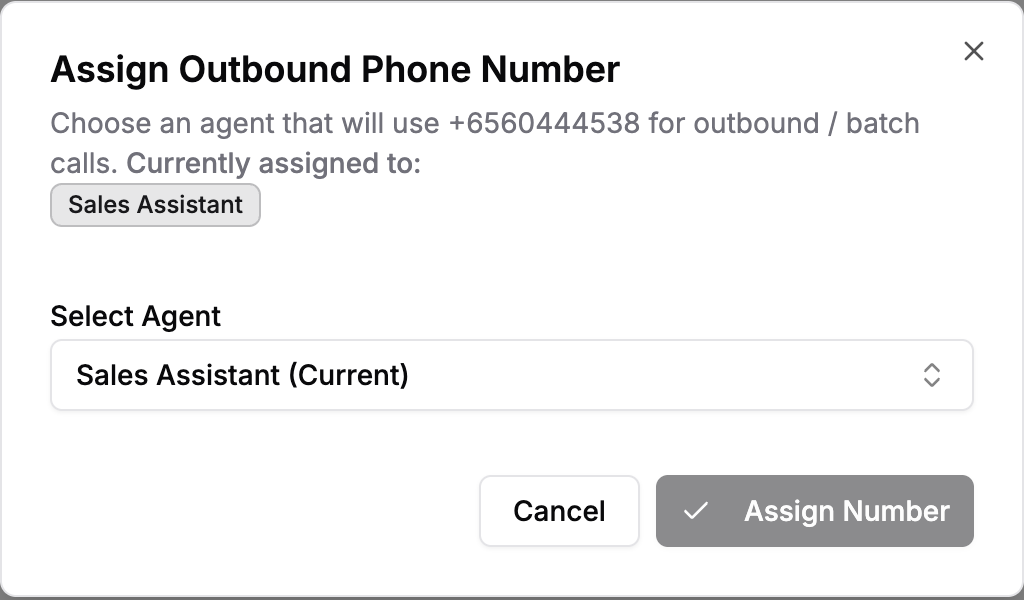
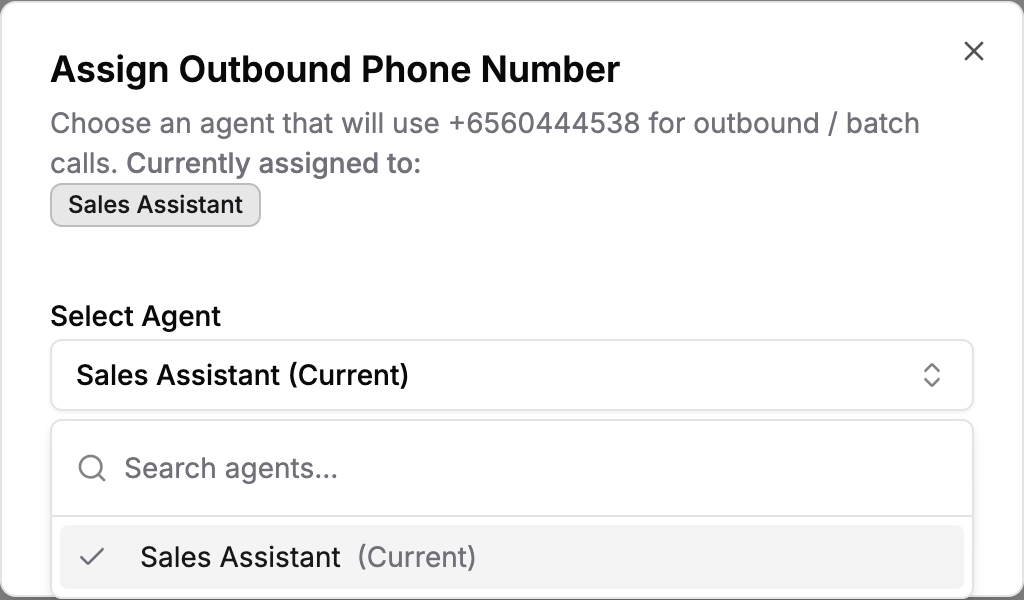
Click Select Agent, search for the agent you want and pick it from the list, then select Assign Number. The agent now appears under Outbound Agents, and it will use this number for its outbound and batch calls. Repeat for any other agents you want on the same number.
Tip: A new agent shows No number assigned in its header on the Agents page. Assign it a number here before you launch calls with it.
Step 3: Remove an agent
To take an agent off a number, select the × on its name under Outbound Agents. That agent will no longer call from this number.