
Creating your account
ManPack AI accounts are provisioned by our team as part of the onboarding process.
To get started, please submit an enquiry via our Contact Sales form : form>>
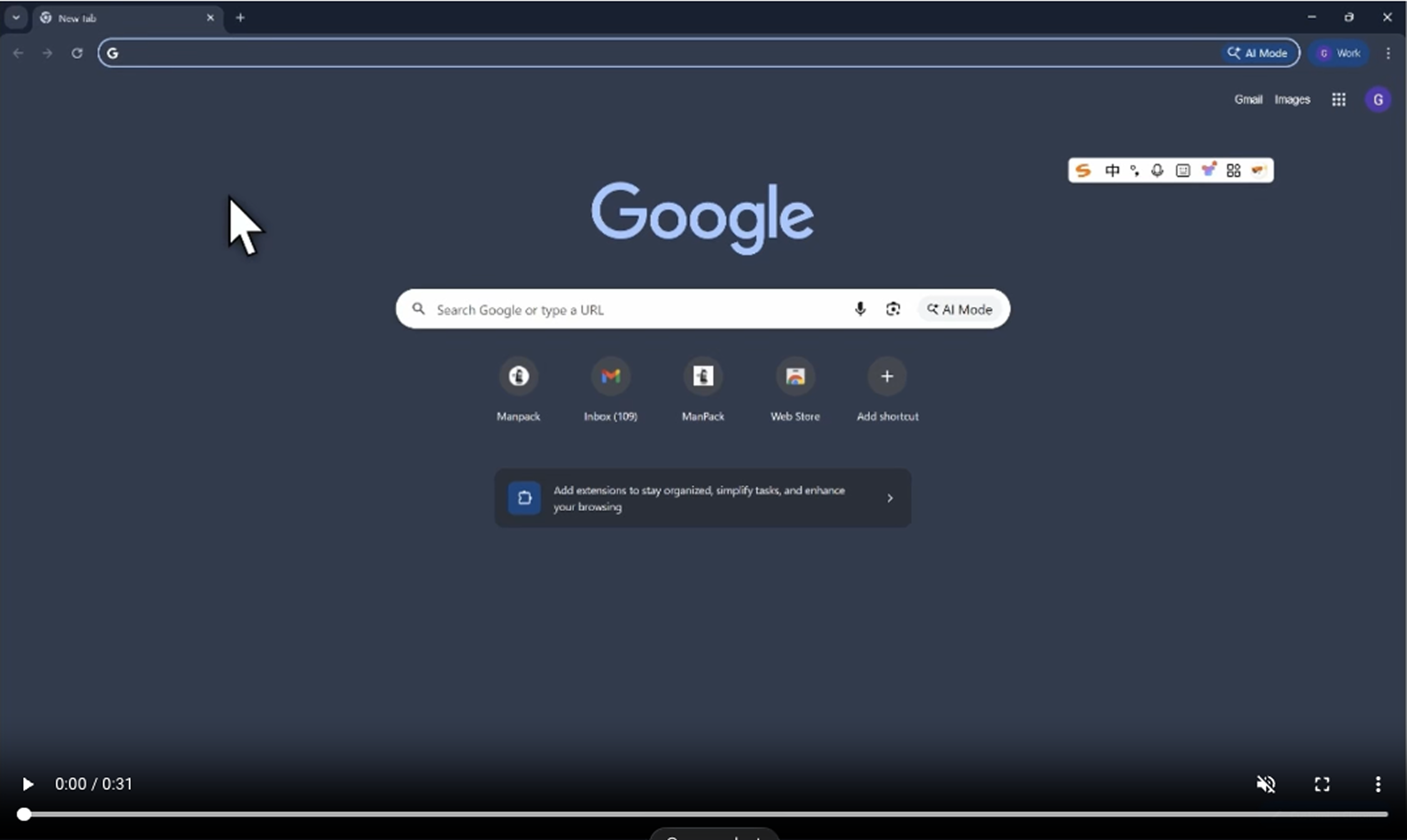
Sign in with a Magic Link
ManPack AI uses a passwordless login method. A one-time magic link will be sent to your email address to verify your identity — no password required.
- Open your browser and go to app.manpack.sg. Click the Get Started button in the center of the page.
- Click Send Magic Link.
- You’ll see a “Check your email” confirmation screen. A magic link has been sent to your inbox. The link will expire in 1 hour.
- Open your email and find the message from Manpack AI. Click the Sign In with Magic Link button.
- You’ll be redirected to a confirmation page where Cloudflare will automatically verify your identity. Once verified, click Sign In to Manpack to complete the process
Didn’t receive the email?
If you haven’t received the email after a few minutes, try the following:
- Check your spam or junk folder
- Make sure you entered the correct email address
- Wait a few minutes and try again
What’s next?
Once signed in, you’ll land on the Manpack AI dashboard where you can start setting up your AI agents, importing leads, and launching your first batch call campaign.
Contents